Details
-
Improvement
-
Resolution: Fixed
-
 Minor
Minor
-
None
-
None
Description
Motivation
The device information box on the device overview page (Vendor/Hardware, Operating system, System name, Contact, Location, Serial, Cached IP, Uptime, Last reboot, ...) is where people look up device details. Very often these details need to be pasted elsewhere: helpdesk/incident tickets, vendor support cases (hardware model, OS version, serial), documentation or chat.
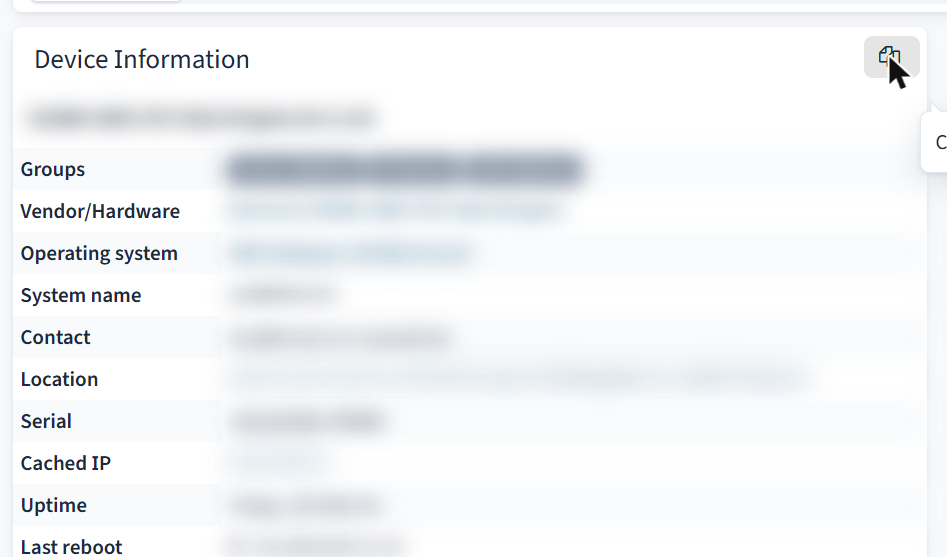
Selecting the table with the mouse gives inconsistent results (tabs, missing separators, link text spread over lines, depending on the browser). This improvement adds a small Copy button to the box header that copies the box contents to the clipboard as clean plain text, one Label: Value per line, with the device hostname as the first line.
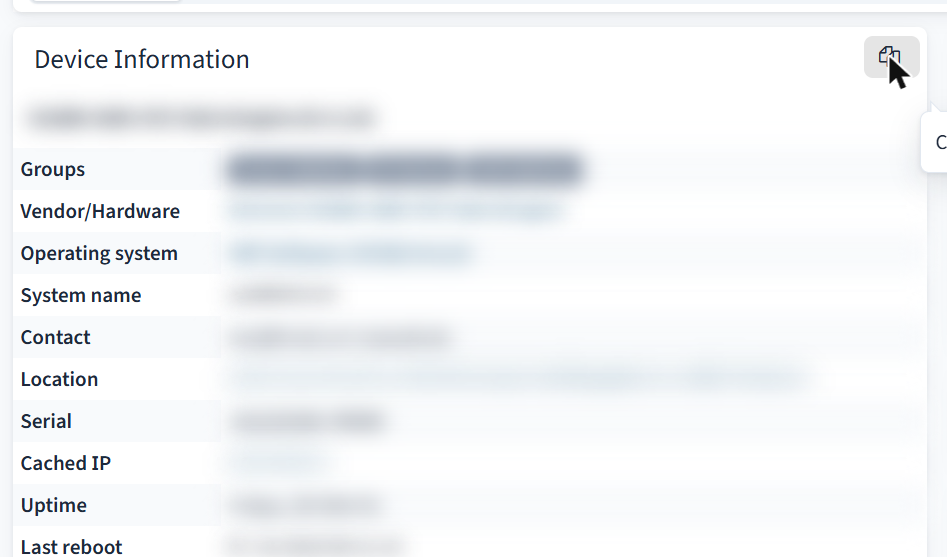
(values blurred)
Example result:
Hostname: switch01
|
System description: ExampleOS Switch Software, Version 1.2.3
|
Vendor/Hardware: Example 1234-48P
|
Operating system: ExampleOS 1.2.3
|
System name: switch01
|
Contact: Network Team
|
Location: Building A, Room 1
|
Serial: XXXXXXXX
|
Cached IP: 192.0.2.10
|
Uptime: 12d 3h 4m 5s
|
Last reboot: 2026-01-01 00:00:00
|
Implementation (patch attached: copy-button.patch, against trunk r15321)
- html/pages/device/overview/information.inc.php
- The box gets a header ("Device Information") via generate_box_open() with one header-controls button ($config['icon']['copy'], class copy-table-text, tooltip).
- The table gets a data-copy-title attribute ("Hostname: <hostname>", escaped) used as first line.
- The sysDescr row (with web_show_overview_extra) gets data-copy-label="System description".
- Both variants of the box (normal overview and extended/left panel) are covered.
- html/js/observium.js (already loaded site-wide):
- copy_to_clipboard(text, callback) - uses navigator.clipboard.writeText() in a secure context, otherwise falls back to a hidden textarea + document.execCommand('copy') (works on plain http and with self-signed certificates).
- copy_table_text(table) - builds the text from a label/value table (td.entity or data-copy-label), collapses whitespace, skips hidden rows and empty labels/values.
- Delegated click handler for .copy-table-text: icon switches to icon-ok / tooltip "Copied" for 2s (icon-remove / "Copy failed" on error).
- No new libraries. The bundled clipboard.min.js was not used because it only supports execCommand and would need an extra include on the device page. The helpers are reusable for other boxes (header control with class copy-table-text + data-copy-title on the table).
How to test
- Apply the patch, open a device overview page (/device/device=<id>/).
- The information box has a header "Device Information" with a copy icon on the right (tooltip "Copy device information to the clipboard").
- Click it: icon turns into a check mark, tooltip "Copied" for ~2s.
- Paste into an editor: first line Hostname: <hostname>, then one Label: Value line per displayed row, no empty lines.
- Repeat on a wide (xl) screen where the box is shown in the left panel.
- Repeat on plain http / self-signed https: copy must still work (fallback).
Tested on Observium Professional rolling r15321 (PHP 8.1), Chrome.